
AI Chat, plus information and links to the official PDF tools from ilovepdf.com
AI Tools (New):  AI Summarizer for quick summaries and
  Translate PDF for accurate translations.
 Merge PDF
 Split PDF
 Organize PDF
 Scan to PDF
 Remove pages
 Compress PDF
 Repair PDF
 OCR PDF
 JPG to PDF
 WORD to PDF
 POWERPOINT to PDF
 EXCEL to PDF
 HTML to PDF
Convert from PDF Go to PDF upload
 PDF to JPG
 PDF to WORD
 PDF to POWERPOINT
 PDF to EXCEL
 PDF to PDF/A
 Rotate PDF
 Add page numbers
 Add watermark
 Crop PDF
 Edit PDF
 Unlock PDF
 Protect PDF
 Sign PDF
 Redact PDF
-

How iLovePDF Uses AI to Split PDFs
iLovePDF’s Smart range mode turns PDF splitting into a content decision instead of a page math exercise, it detects natural document boundaries and outputs separate files that match the intent. It lives inside the Split PDF tool under Range mode as Smart, and it is designed for everything from a…
-
Why Businesses Need PDF to Word Conversion
A PDF to Word converter matters because it turns finished, locked documents into files teams can edit, review, reuse, and approve without rebuilding them. For businesses that handle contracts, reports, proposals, policies, or scanned records, conversion reduces document friction at the exact point where work usually slows down. Why the…
-
Edit PDFs Online Without Rebuilding Your Document
To edit a PDF quickly without converting it back to Word, use a browser editor such as iLovePDF’s Edit PDF tool, upload the file, make changes on the page, then download the updated PDF. According to iLovePDF, files are encrypted and automatically deleted within two hours, with an option to…
-
Make a PDF Fast Without Losing Layout
Making a PDF usually comes down to three options, convert a file you already have, build a new document from a template or blank page, or automate PDF generation for repeat work. The fastest path for most people is conversion, because it preserves layout without rebuilding the document. Automation only…
-
How to Save a Website as PDF
To share a web page as a stable, markable document, converting it to PDF is the fastest way to lock in the layout, keep it readable offline, and make annotations practical. Tools like iLovePDF’s HTML to PDF converter are built for capturing a full scrollable page in one export, instead…
-
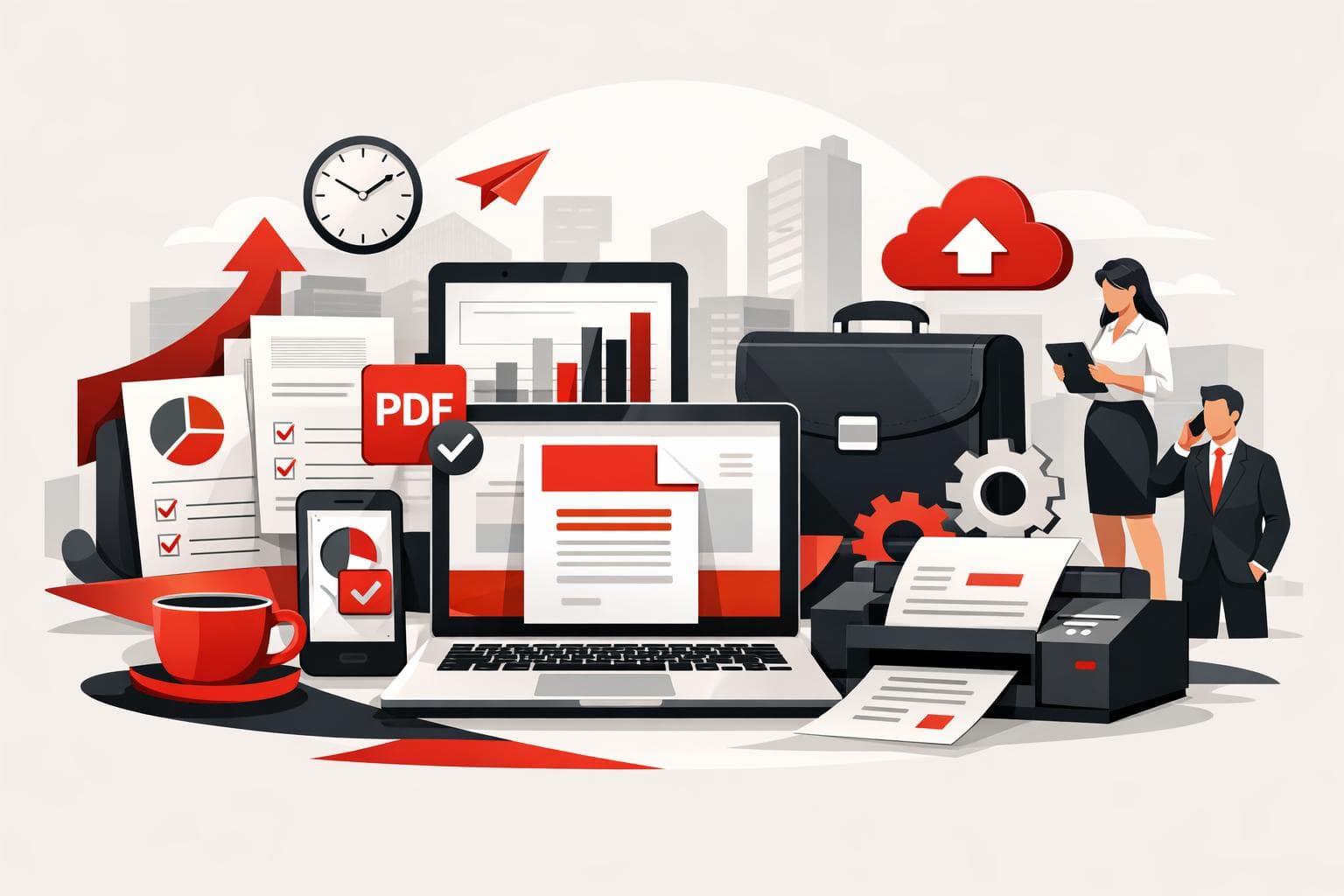
PDF Tools That Keep Business Work Moving
PDF workflows get complicated when contracts, invoices, and HR records bounce between departments that use different tools and inconsistent security habits. The fastest fix is a single PDF toolkit that covers the daily basics, works on every device, and can switch to offline processing when policy demands it. iLovePDF is…
-

What GITEX Africa Revealed About PDF Workflows
At GITEX Africa 2026, the strongest signal was not a new feature, it was a shift in expectations: PDF work is being treated as an automated, integrated, security reviewed workflow, not a one off file fix. The conversations described in iLovePDF’s April 17, 2026 event recap centered on three buying…
-
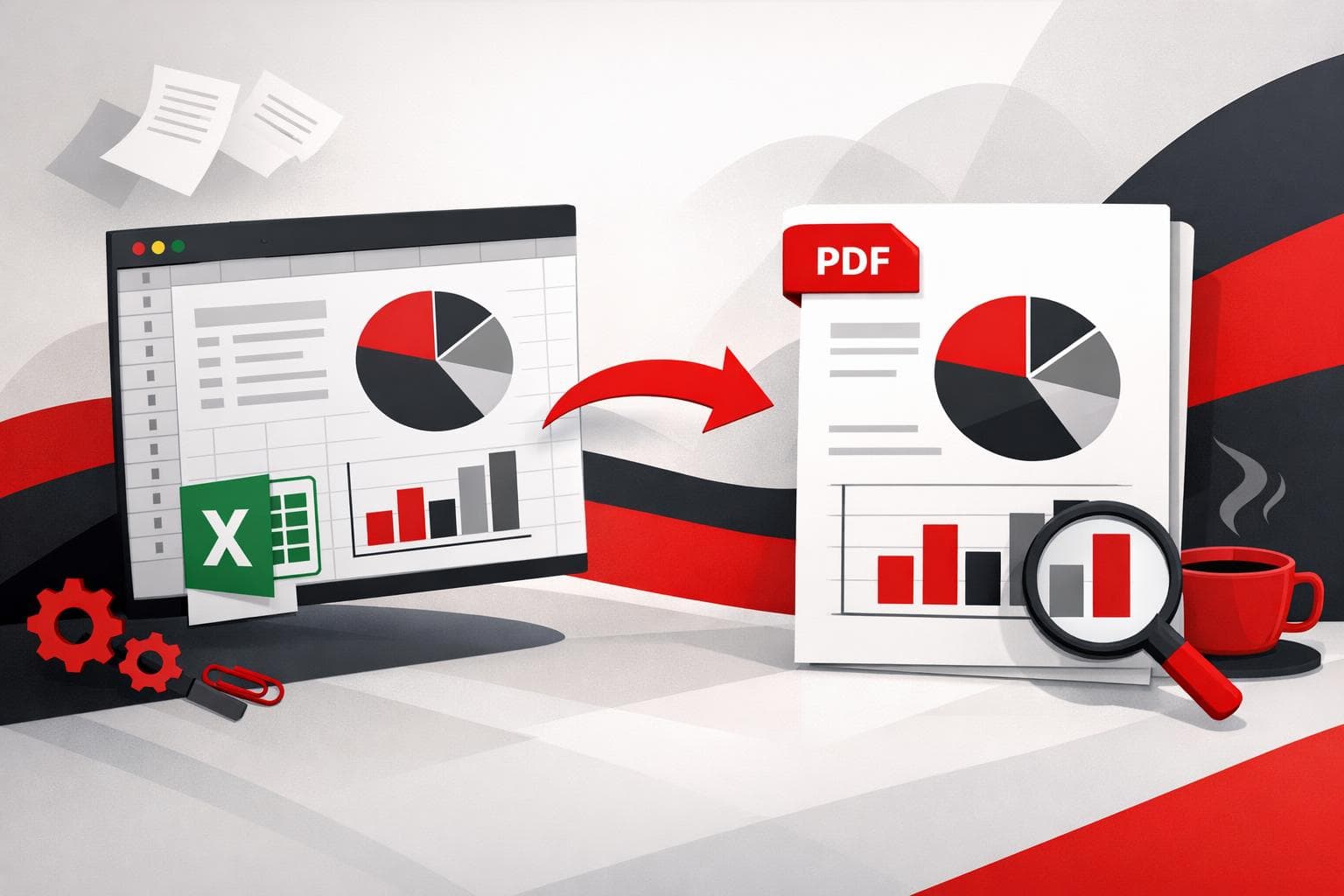
Save Excel as PDF Without Layout Surprises
To save an Excel spreadsheet as a PDF, use Excel’s built in Save As or Export option for the cleanest, most predictable output. When the job involves many files, or a single combined PDF, a batch converter and merger like the tools on iLovePDF can cut the clicks dramatically. Pick…
-
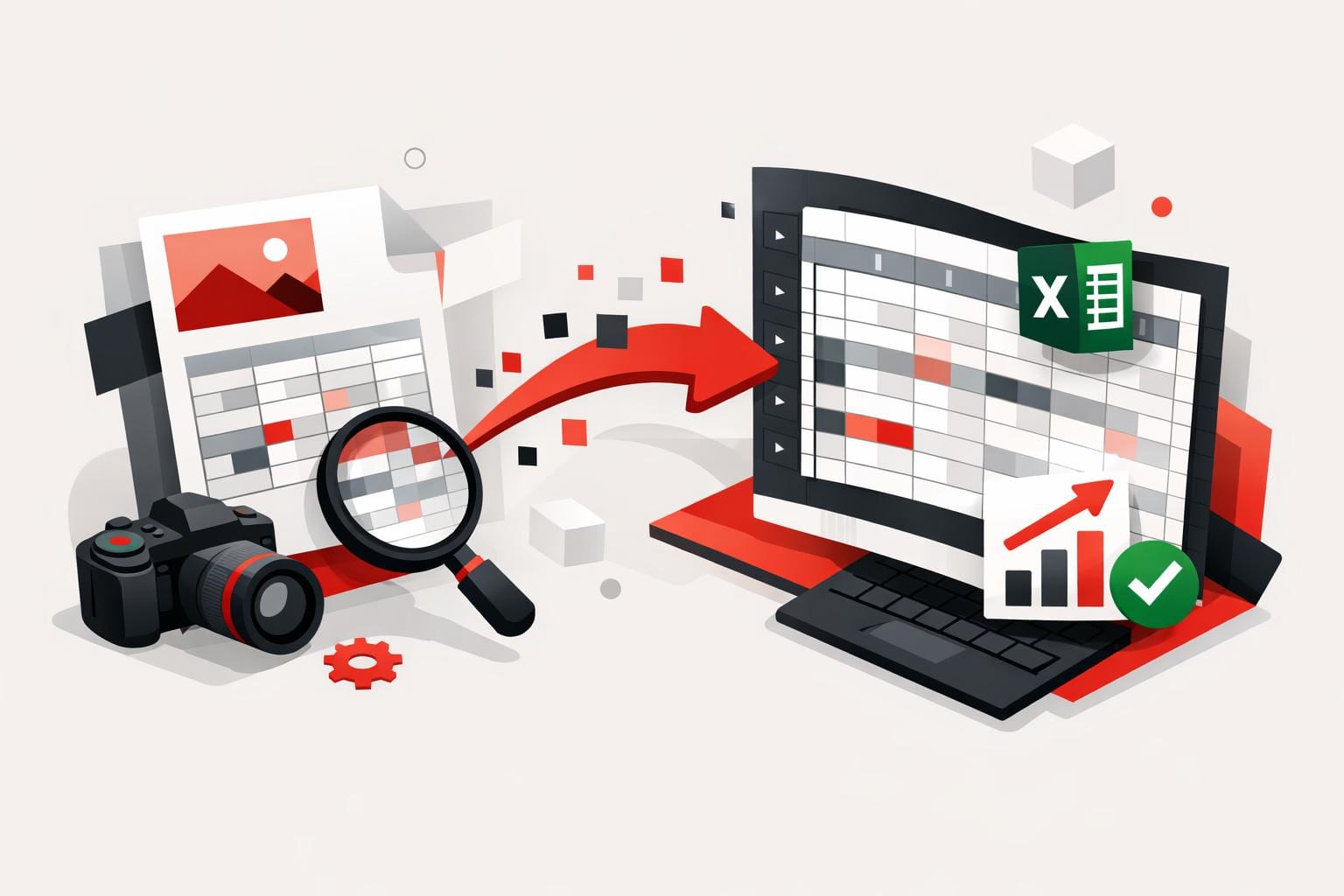
Turn JPG Tables Into Excel Without Retyping
A JPG image can be turned into an editable Excel sheet by converting the image to a PDF first, then converting that PDF to Excel with OCR enabled when the content is scanned or photographed. This workflow is designed to preserve table structure and reduce copy and paste cleanup across…
accessibility ai Apple Automation Business compliance conversion Cookies Excel Images JPG Mobile ocr office PDF PowerPoint privacy productivity security translation Tutorial Windows word workflow