
Supportive AI Chat − Information & direct links to the official PDF tools from ilovepdf.com − A few PDF browser tools
 Merge PDF
 Split PDF
 Organize PDF
 Scan to PDF
 Remove pages
 Compress PDF
 Repair PDF
 OCR PDF
 PDF Summarizer
 Translate PDF
 JPG to PDF
 WORD to PDF
 POWERPOINT to PDF
 EXCEL to PDF
 HTML to PDF
Convert from PDF Go to PDF upload
 PDF to JPG
 PDF to WORD
 PDF to POWERPOINT
 PDF to EXCEL
 PDF to PDF/A
 Rotate PDF
 Add page numbers
 Add watermark
 Crop PDF
 Edit PDF
 Unlock PDF
 Protect PDF
 Sign PDF
 Redact PDF
Guide & News
-
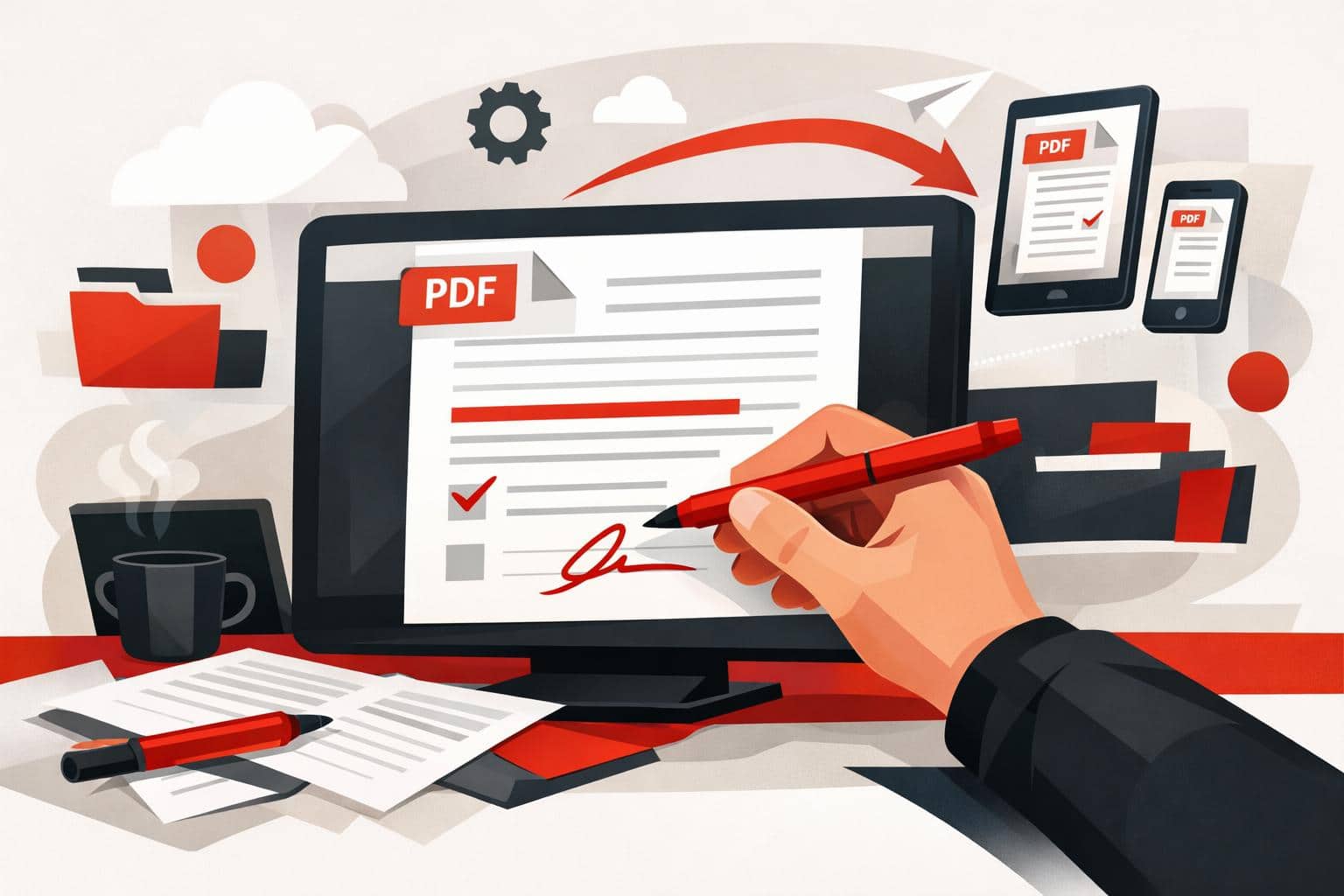
How to Write on PDFs Without Installing Software
The quickest way to write on a PDF is to open it in an online editor, add text, drawings, shapes, comments, or images, then download the updated file. iLovePDF offers this through its PDF Editor, so basic annotation work can happen in the browser without installing desktop software. The fastest…
-
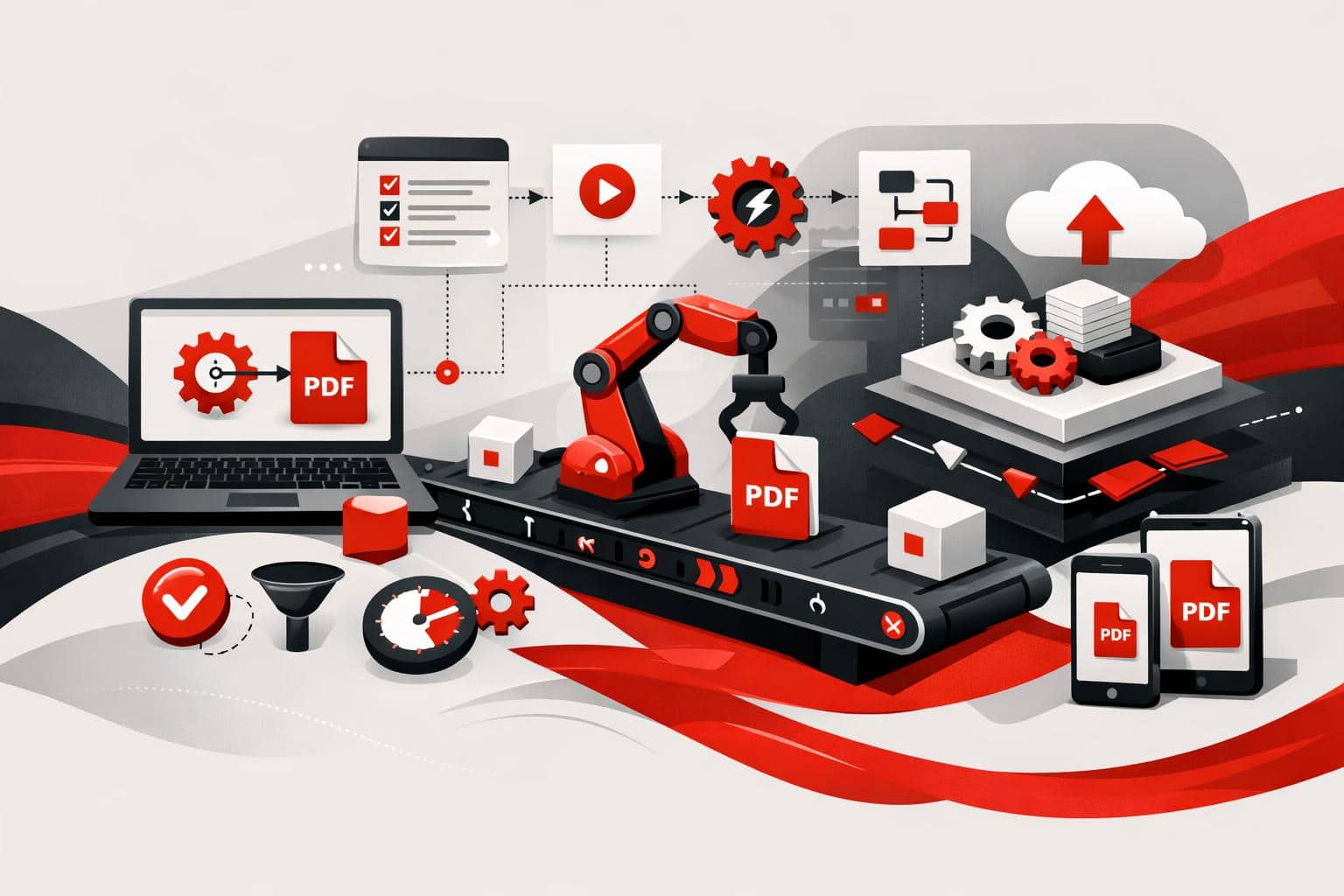
PDF Automation Moves From Clicks to Workflows
iLovePDF is pushing document work beyond manual uploads by offering two automation routes, no-code connectors for teams that want fast workflow wins, and iLoveAPI for developers who need PDF, image, and signature features inside their own software. What changes when documents run themselves No-code automation for everyday file work Odoo…
-
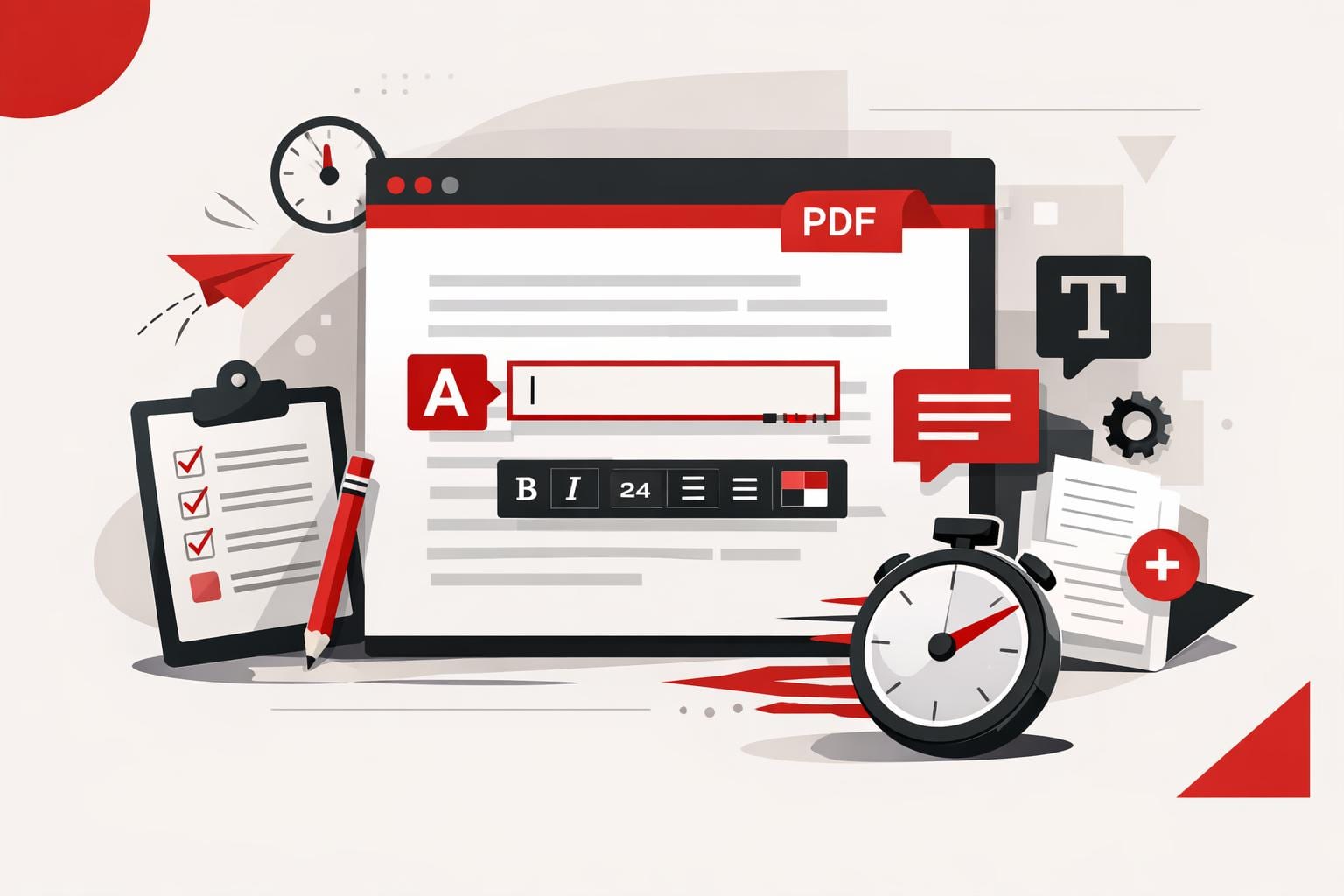
How to Add Text to a PDF Quickly
The fastest way to add text to a PDF is to use an online PDF editor, upload the file, place a text box on the page, adjust the formatting, and export the updated document. This works best for comments, labels, dates, short corrections, and titles, while larger rewrites usually need…
-
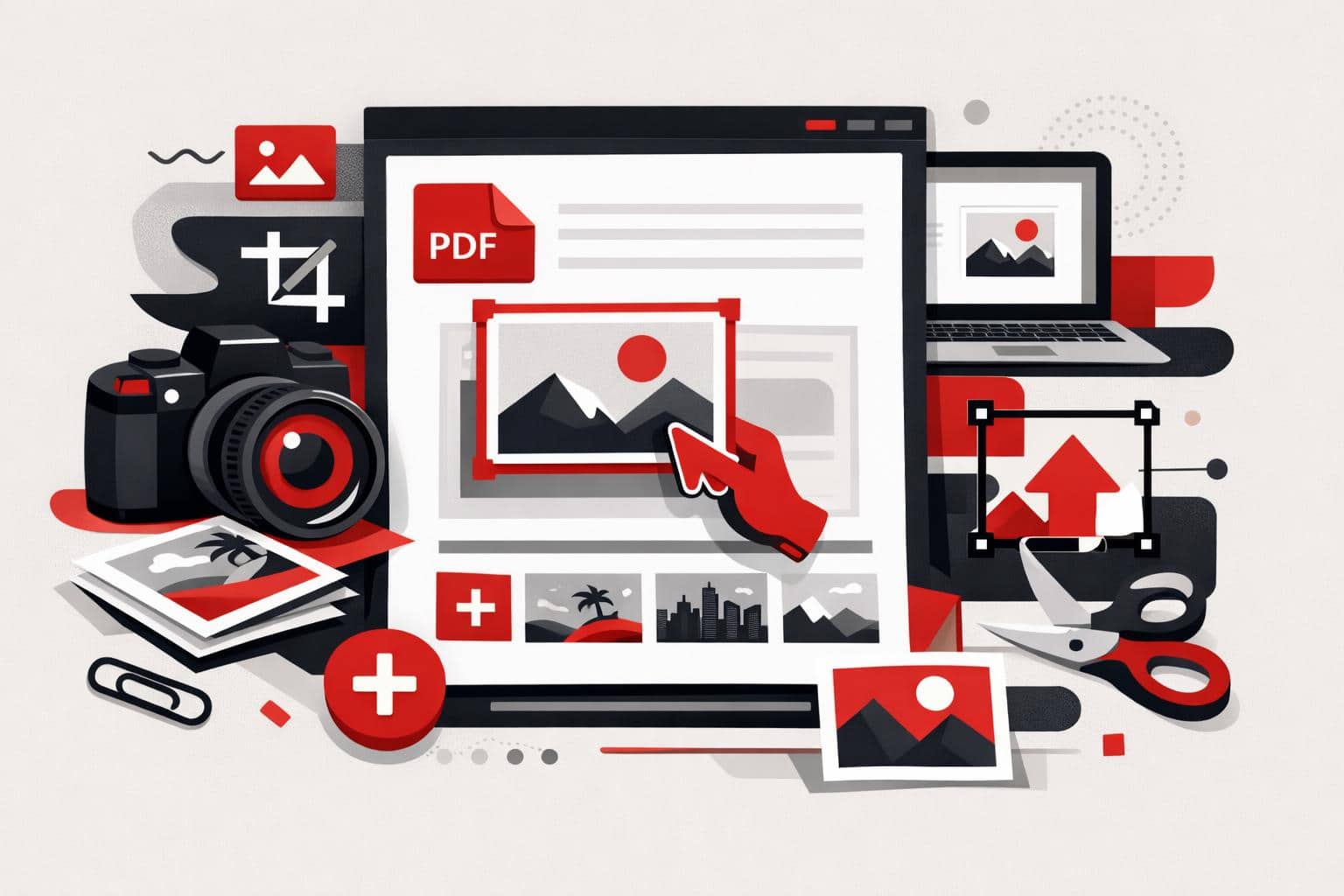
How to Add Images to PDF Files
The fastest way to add a picture to an existing PDF is to use a PDF editor, upload the document, choose an image, place it on the page, then export the updated file. With iLovePDF Edit PDF, this can be done online without printing, scanning, or returning to the original…
-
How to Edit PDFs in Word Correctly
The cleanest way to edit a PDF in Word is to convert it into a DOCX file first, preferably with OCR when the PDF contains scanned pages or locked text. Opening a PDF directly in Word can work for simple files, while a PDF editor is better for small text…
-
How to Edit PDFs Without Adobe Acrobat
Yes, everyday PDF edits can be done without Adobe Acrobat. iLovePDF handles browser-based text updates, signing, compression, conversion, and page management, making it a practical fit when a full Acrobat workflow is more than the job needs. Why iLovePDF Fits Everyday PDF Work What You Can Change in a PDF…
-
iLovePDF Makes Direct PDF Text Editing Practical
iLovePDF now lets users edit existing text inside a PDF online, so a typo, price, date, or name can be changed without converting the file first. The feature is best suited to targeted document updates where preserving the original layout matters more than rebuilding the file from scratch. What changed…
-

Legal Teams Need Better Rules for Document Tools
Legal teams should not approve a document tool because it is popular, cheap, or already in use. Approval becomes defensible only when counsel can show what happens to files, who controls access, how long data remains available, and why the tool is reasonable for the legal risk involved. Shadow IT…
-
Why Businesses Are Bringing PDF Work Offline
Businesses are adding offline PDF workflows because local processing gives teams control when files are sensitive, networks fail, or internal policy blocks cloud uploads. The strongest setup is not offline versus online, it is a mixed document workflow where desktop, web, and mobile tools each handle the files they are…