
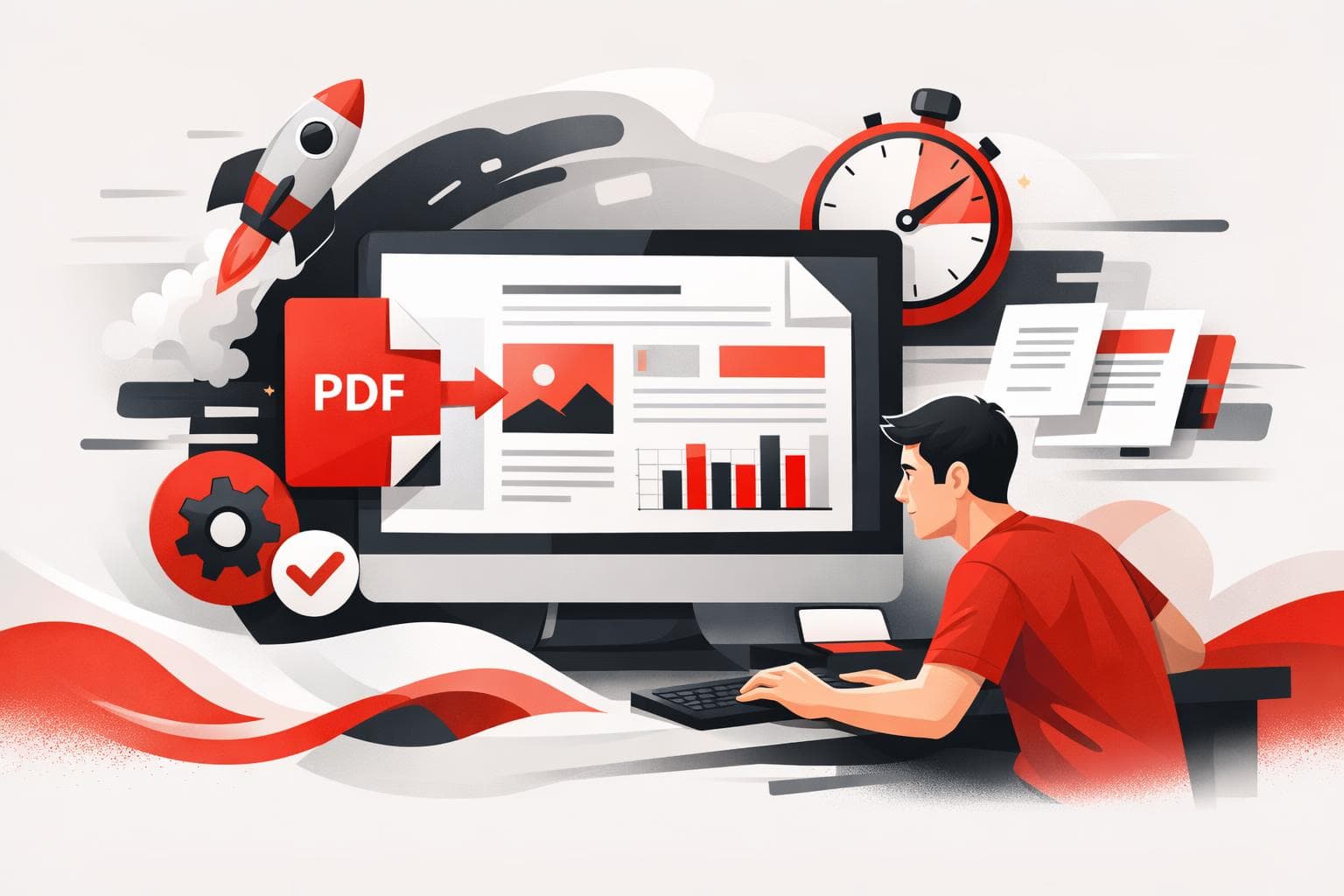
Making a PDF usually comes down to three options, convert a file you already have, build a new document from a template or blank page, or automate PDF generation for repeat work. The fastest path for most people is conversion, because it preserves layout without rebuilding the document. Automation only pays off when PDFs are produced at scale, as part of a system.
Convert a file that already exists
If the content is already written or designed, conversion is the cleanest way to get a PDF that looks the same on every device. This is the go to move for one off needs like a resume, a school submission, a contract, or a slide deck that should not reflow when opened.
Common starting points include Word, Excel, PowerPoint, and images such as JPG or PNG. On iLovePDF, dedicated converters exist for common inputs, including Word to PDF, PowerPoint to PDF, Excel to PDF, and JPG to PDF.
Most online converters follow the same basic flow, upload the file, optionally pull it from cloud storage such as Google Drive or Dropbox, then download the PDF. The key advantage is speed, the key risk is that the file is processed on someone else’s servers.
Create a PDF from templates or a blank page
When there is no source file, the problem flips from conversion to composition. The iLovePDF mobile app supports creating PDFs from scratch, either with templates for common formats, or with a blank page when the layout is custom.
Templates work best when the document has a familiar shape. Typical examples include invoices, receipts, business reports, meeting notes, certificates, and forms.
A blank page is the better pick when structure is unknown upfront, or when the output is intentionally simple, such as a one page handout or an internal draft. For details on the mobile option, start at iLovePDF Mobile.
Automate PDF creation with an API
APIs matter when PDFs are not occasional files, but a repeating operation. If a business system creates invoices, statements, onboarding packs, or recurring reports, manual upload and download becomes pure friction.
With the company’s REST offering, developers can generate and process PDFs directly inside applications, which reduces copy paste steps and makes output more consistent across teams. iLovePDF points developers to iLoveAPI for automation focused workflows.
For most individual users, this is unnecessary overhead. If PDFs are created a few times a month, a converter or a template based tool is usually faster than wiring up an integration.
Choose the right method in 30 seconds
Think of PDF creation as three modes, Click for conversion, Craft for creating from scratch, and Code for automation. The best choice depends on two variables, whether the content already exists, and how often the task repeats.
Decision rule If the content already exists, convert it. If the content does not exist, create it from a template or blank page. If the same PDF is produced repeatedly as part of an operational process, automate it with an API.
| Approach | Best for | What you start with | Typical tradeoff | Where to begin |
|---|---|---|---|---|
| Convert | One off PDFs in minutes | DOCX, XLSX, PPTX, JPG | Fast, but requires uploading a file | iLovePDF tools list |
| Template or blank page | New documents with a clean layout | Nothing, just an idea and structure | More editing time, more control | Mobile app options |
| API automation | Recurring, system driven PDFs | Data in an app or back office system | Setup effort, then low per document cost | iLoveAPI for developers |
Practical example that covers all three
A job candidate exports a resume from Word and converts it to PDF to lock formatting before emailing it. A freelancer creates a branded invoice from a template on a phone when working away from a laptop. A subscription business that emails hundreds of invoices per day generates PDFs automatically, so the invoice never becomes a manual task again.
Quick answers to common questions
- Can a PDF be created for free? Many tools offer free conversion for common formats, especially for Word and image to PDF tasks.
- What is the easiest option? Conversion is usually the fastest because it starts from an existing file.
- Can images become a PDF? Yes, tools such as JPG to PDF turn image files into a printable, shareable PDF.
- Is special software required? Not necessarily, web tools can create PDFs without installing a desktop editor.
- Can businesses automate PDF output? Yes, an API can generate PDFs as part of a repeat process, rather than relying on manual uploads.
Security and retention basics before uploading
When a PDF tool runs in the cloud, the file leaves the device, even if only temporarily. According to iLovePDF, files are protected with end to end encryption and uploads are automatically deleted after two hours, the company also states that its servers operate under European legislation. Those claims are summarized in its ISO security post, Why iLovePDF is ISO/IEC 27001 certified, and the two hour deletion window is also described in the company’s Terms and Conditions.
For sensitive documents, treat conversion like any other vendor decision. If policy requires local handling only, use an offline workflow, or limit uploads to files that are already intended for broad sharing.