
AI Chat & Independent PDF Tools Guide

iLovePDF compliance

  • What GITEX Africa Revealed About PDF Workflows

    What GITEX Africa Revealed About PDF Workflows

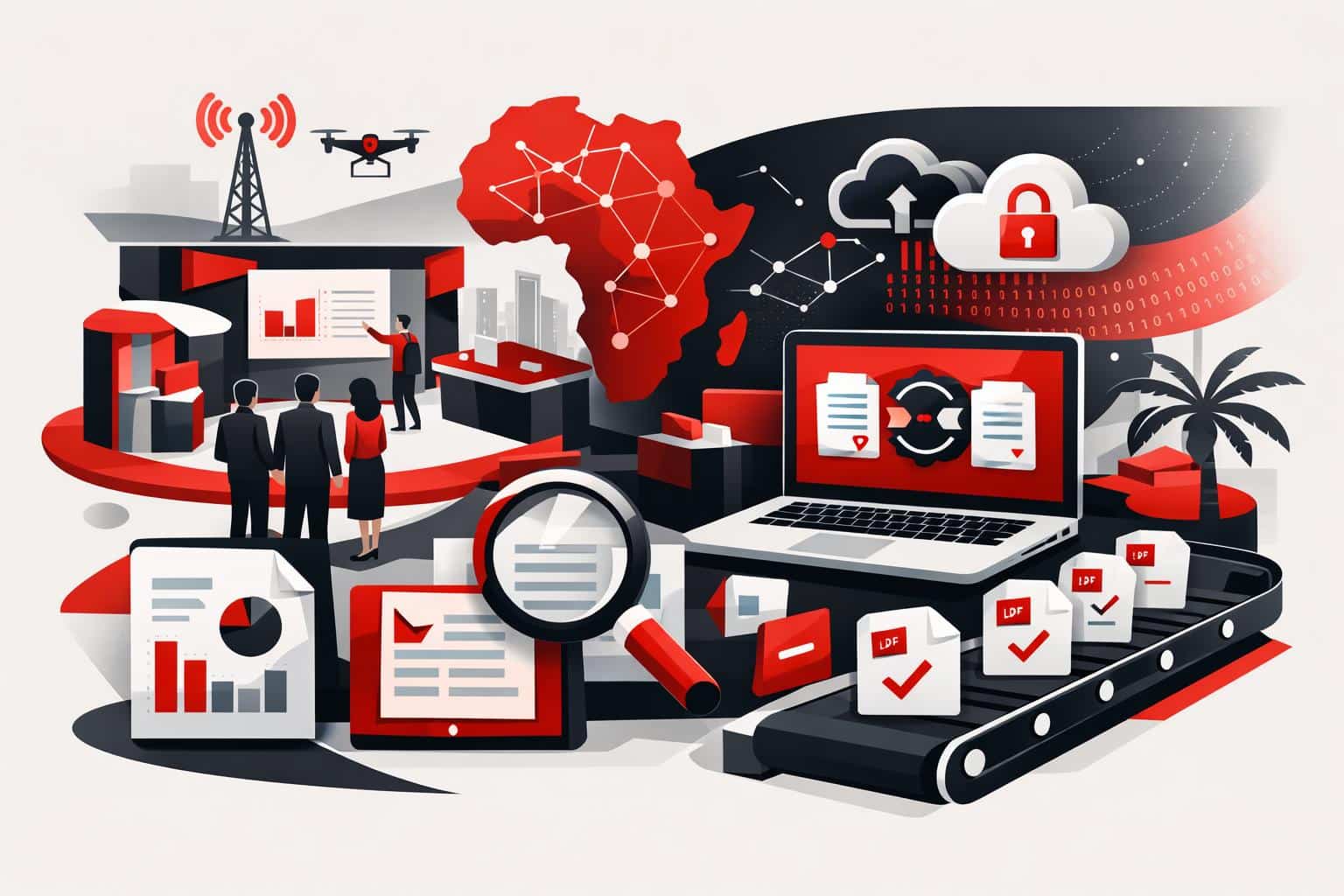
    At GITEX Africa 2026, the strongest signal was not a new feature, it was a shift in expectations: PDF work is being treated as an automated, integrated, security reviewed workflow, not a one off file fix. The conversations described in iLovePDF’s April 17, 2026 event recap centered on three buying triggers, automation at volume, integration into existing systems, and tighter control over sensitive documents.

    The questions teams kept repeating

    Across demos and hallway conversations, the same problems surfaced in different industries. Developers asked how to stop manual PDF handling from turning into a queue. Product teams asked how to plug PDF steps into tools already running the business. Security and compliance teams asked where files go, how long they stay there, and what controls exist.

    • Automation, turning repeated PDF tasks into a workflow that runs reliably.
    • Integration, connecting PDF processing to existing apps instead of forcing a rip and replace.
    • Scalability, handling spikes in volume without adding headcount.
    • Data control, knowing where processing happens and what retention rules apply.

    The subtext was blunt: “What is possible?” is an old question. “What is shippable this quarter?” is the new one.

    A simple market map for PDF work

    A useful way to understand the PDF tooling market in 2026 is a three lane model. It explains why different buyers can be looking at the same vendor and still talk past each other.

    Lane How work gets done Best fit Tradeoff
    Clicks Manual web tools for one file at a time Individuals and small teams needing fast results Hard to govern, hard to scale, easy to repeat errors
    Connectors No code and low code automations across apps Ops teams standardizing repeatable document steps Limited customization, costs can rise with volume
    Code API driven processing embedded in products Platforms handling documents as a core workflow Requires engineering time and ongoing maintenance

    The iLovePDF story at GITEX Africa lines up with this split. According to the company’s recap, familiar everyday tools pulled in individuals, while deeper conversations concentrated on iLoveAPI for teams that need repeatability and throughput.

    From single files to automated pipelines

    “Scale” in document work rarely means one huge file. It usually means thousands of ordinary files arriving continuously, invoices, statements, application packets, claims, onboarding forms. At that point, PDF handling becomes operations infrastructure, and manual steps become a measurable bottleneck.

    For developer led teams, the typical answer is API based processing, where compression, conversion, split and merge, or security steps run inside an existing system. iLoveAPI positions itself for this use case, with public documentation aimed at building PDF tasks into applications. A starting point is the API reference and guides at iLoveAPI documentation.

    A concrete example you can picture

    A lender receives 2,000 monthly application bundles as mixed formats. A workflow can convert office files to PDF, merge attachments into a single packet, compress for faster review, apply a watermark, and then route the final PDF for signature. The operational win is not one step, it is removing ten minutes of human handling from every packet, without losing traceability.

    A clear decision rule

    If a PDF step repeats often enough that people have written a checklist for it, the workflow is ready for automation. As a practical threshold, once a process is run more than 50 times per week, moving it into a connector or an API usually costs less than continued manual handling, especially when errors carry compliance or customer impact.

    Integration is expected, not a premium feature

    The GITEX Africa conversations described a market where integrations are treated as table stakes. Buyers do not want another dashboard, they want PDF functions inside the tools already in use.

    There are two common integration paths:

    • No code automation, useful when a business needs speed and standard actions. The iLovePDF app directory on Zapier illustrates how common this route has become, see iLovePDF integrations on Zapier.
    • Workflow platforms, where PDF steps become part of broader business automation. Microsoft lists an iLovePDF connector for Power Automate scenarios at Microsoft Learn iLovePDF connector.

    APIs remain the most flexible option when product teams need custom logic, tight control over error handling, and predictable performance at volume.

    Security questions that decide purchases

    Document processing often means processing sensitive data. That is why security and retention details are no longer “fine print” topics. They show up early in evaluations, and they can end a deal quickly when answers are vague.

    According to iLovePDF’s security documentation, the service emphasizes encryption and published controls, see iLovePDF Security and Data Protection. The company also publishes a legal hub that summarizes privacy and retention expectations, including a two hour deletion window for many standard tools, see iLovePDF legal information.

    Why “where is it processed” became the sharper question

    The most specific version of the security conversation is data residency. Some teams need documents processed inside a chosen region because of regulation, customer contracts, or internal policy. iLovePDF describes Regional File Processing as a way for certain plans to select where files are processed, see Choose where your files are processed with iLovePDF.

    For procurement and compliance reviews, the documentation footprint matters as much as the feature list. iLovePDF also publishes a Data Processing Agreement page for teams that need formal terms, see iLovePDF Data Processing Agreement.

    Students as the hidden power users

    One surprise highlighted in the event recap was the number of students who approached the booth with practical problems. Their needs look simple, but the workflow pressure is real, tight deadlines, inconsistent file formats, and devices that change between campus and home.

    The most common tasks are straightforward, merge lecture slides, convert files for submission, and tidy PDFs without heavyweight software. The difference in 2026 is that summarization is now part of study workflow, not a novelty, for example tools like iLovePDF AI Summarizer position “extract the gist fast” as a first class feature.

    For students and educators, iLovePDF promotes an education offering that includes a student program with Premium access, see iLovePDF for Education.

    How to choose a starting point

    A practical way to choose tools is to start from the constraint, not the feature list.

    • If speed to value matters most, start with the online tools and standardize a simple checklist, then measure where time is lost.
    • If the workflow spans multiple apps, move to connectors and automate triggers, approvals, and routing.
    • If documents are core to the product, treat PDF handling as backend infrastructure and build on an API, so quality, logging, and governance can be engineered.

    For context on the event itself, GITEX Africa publishes its 2026 conference and agenda information at GITEX AFRICA conference agenda.
  • Regional PDF Processing Puts Data Location First

    Regional PDF Processing Puts Data Location First

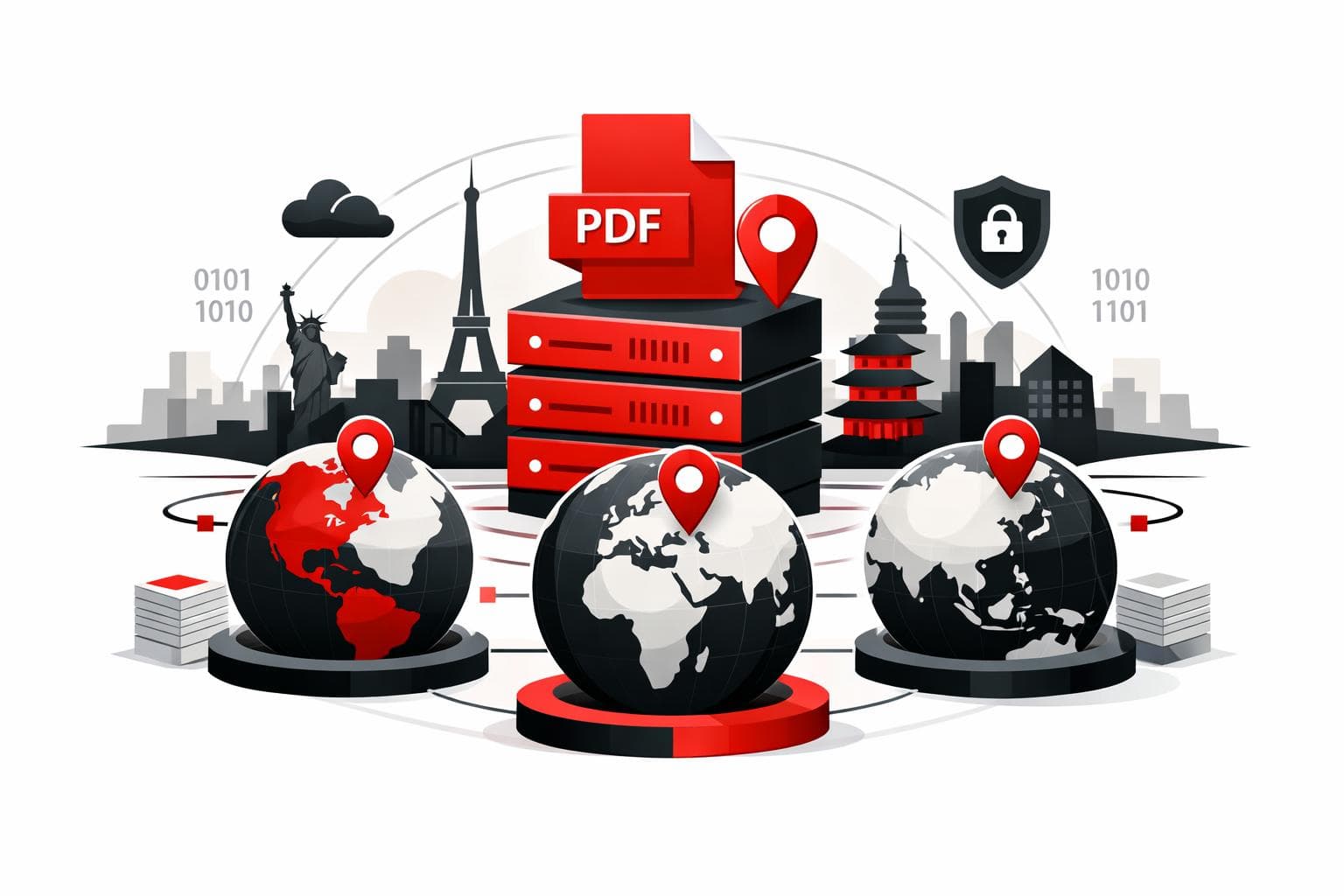
    iLovePDF’s Regional File Processing adds a practical control knob, choosing the country or region where PDF jobs run, instead of leaving routing decisions to the vendor. The goal is simpler compliance conversations, faster turnaround for distributed teams, and clearer answers during security reviews. According to iLovePDF, files are automatically deleted within two hours after processing.

    The new geography of PDF processing

    Online PDF tools used to feel locationless, a file went in, a file came out. In 2026, that illusion breaks quickly once legal teams, customers, or regulators ask where documents are handled.

    According to iLovePDF’s product announcement, Regional File Processing is designed to let account holders select the processing jurisdiction directly, which turns a vague vendor answer into a setting that can be documented.

    A three factor lens for modern document tools

    Location matters because it touches three pressures at the same time.

    • Law, the rules that govern cross border data handling.

    • Latency, the delay added by distance and network hops.

    • Trust, the ability to answer buyer questions without hand waving.

    What stakeholders ask If the vendor routes globally by default With a chosen processing region
    Which jurisdiction covers processing? The answer may depend on routing and sub processor choices at runtime. A specific region can be selected and referenced in internal controls.
    Will performance hold under batch workloads? Long distances can slow uploads, downloads, and repeated API style requests. Processing closer to the team typically reduces delays and improves responsiveness.
    Are files retained after the job completes? Retention policies vary widely and are often buried in help pages. iLovePDF states files are deleted automatically within two hours, with additional controls described in its security documentation.

    Compliance answers that auditors accept

    Data residency is the requirement to keep data inside a defined jurisdiction, usually because contracts, regulations, or internal policy demand it. Regional processing is not a legal shortcut, but it helps align operational reality with policy language.

    Why this is showing up in vendor questionnaires

    The same set of questions keeps reappearing across industries, where is the document processed, which legal framework applies, and what prevents unnecessary cross border exposure. iLovePDF frames the feature as a way to support obligations tied to frameworks such as GDPR in Europe, PDPL in parts of the Middle East, and APPI in Japan.

    Documentation that matters in procurement

    Two pages tend to carry the most weight in reviews. The first is security controls, the second is the data processing agreement.

    For teams that need proof of a formal security management system, iLovePDF also publishes an ISO/IEC 27001 certificate.

    Where speed gains actually come from

    Compliance is often the headline, but distance is the quiet tax. Every upload, conversion step, and download is sensitive to round trip time, and high volume workflows amplify small delays.

    A concrete example from a legal workflow

    iLovePDF describes a legal operations team in Mumbai processing around 300 contracts per week, with typical files in the 12 MB to 20 MB range. When jobs are routed through a far away region, the experience becomes less responsive, especially during batch operations.

    Even modest latency improvements, such as 40 ms to 100 ms per request, can add up across hundreds of documents and multiple steps per document.

    Workloads that feel the difference most

    • Merging and splitting large sets of PDFs.

    • Compression runs on heavy reports and image rich files.

    • Archival conversions, especially when converting to PDF/A.

    • OCR on scanned documents, which is compute intensive and sensitive to throughput limits.

    For OCR heavy environments, an explainer like iLovePDF’s OCR overview helps set expectations, OCR adds a text layer by analyzing page images, which naturally costs more time than basic reorganizing or merging.

    What buyers want to hear in procurement

    Regional selection is ultimately a transparency feature. It replaces a hand waved “it depends” with a selectable setting and a short, repeatable story security teams can validate.

    What iLovePDF says happens to files

    According to iLovePDF, documents are not stored permanently, and files processed on the platform are deleted automatically within two hours. The security page also mentions an option to manually delete files from the download screen. Details are described in the company’s security documentation.

    One nuance matters for e signature workflows. The same security documentation states that signed documents can be retained for up to five years to meet legal requirements, which is a different lifecycle from standard conversion jobs.

    Redaction still matters before anything crosses a border

    Regional processing reduces cross border exposure, but it does not reduce the sensitivity of what is inside the document. When sharing outside the organization, the safest move is often removing sensitive fields first with true redaction, not visual covering. A walkthrough is available in iLovePDF’s redaction guide.

    Which teams benefit most

    Regional processing is most valuable where document handling is frequent, regulated, or externally scrutinized.

    • Legal and compliance, contracts, NDAs, HR files, and regulated records often come with residency requirements.

    • Finance, invoices, audits, and statements attract tighter controls and formal vendor reviews.

    • Multinational teams, distributed offices benefit when each site runs jobs in a nearby region under an approved jurisdiction.

    • Security focused professionals, even occasional processing becomes easier to justify when location and retention are clear.

    How to choose the right region fast

    Regional File Processing is set in account profile settings, and iLovePDF notes that workspace owners can influence how teams process files.

    A clear decision rule

    • If policy or contract language requires a specific jurisdiction, choose that jurisdiction first, then validate it against the organization’s legal guidance.

    • If there is flexibility, choose the closest region to the highest volume users, then measure time saved on a representative weekly batch.

    Workflow coverage and one important exception

    iLovePDF positions the setting as applicable across most tools, including merge, compression, Office conversions, split workflows, and e sign processes. The product announcement notes that Smart Split is processed in Europe, even when other tools follow the selected region.

    For structured archiving, pairing regional control with PDF/A conversion can tighten governance by design. The conversion tool is available at PDF to PDF/A.

    Quick answers for security questionnaires

    Does selecting a region keep files stored there?

    iLovePDF describes regional selection as a processing location choice, not a storage commitment. The company states that files are deleted automatically within two hours after processing, and that users can manually delete files from the download screen.

    Can different teams run different regions?

    iLovePDF indicates that regional preferences can apply at the workspace level, which supports different jurisdictions for different offices or business units.

    Is security weaker in some regions?

    iLovePDF states that regions follow ISO/IEC 27001 aligned practices, and publishes security details and an ISO certificate through its documentation.

    Will the speed difference be noticeable?

    The impact is largest when the current processing location is far from the team, or when work involves large files, OCR, or repeated batch conversions where small delays compound.