
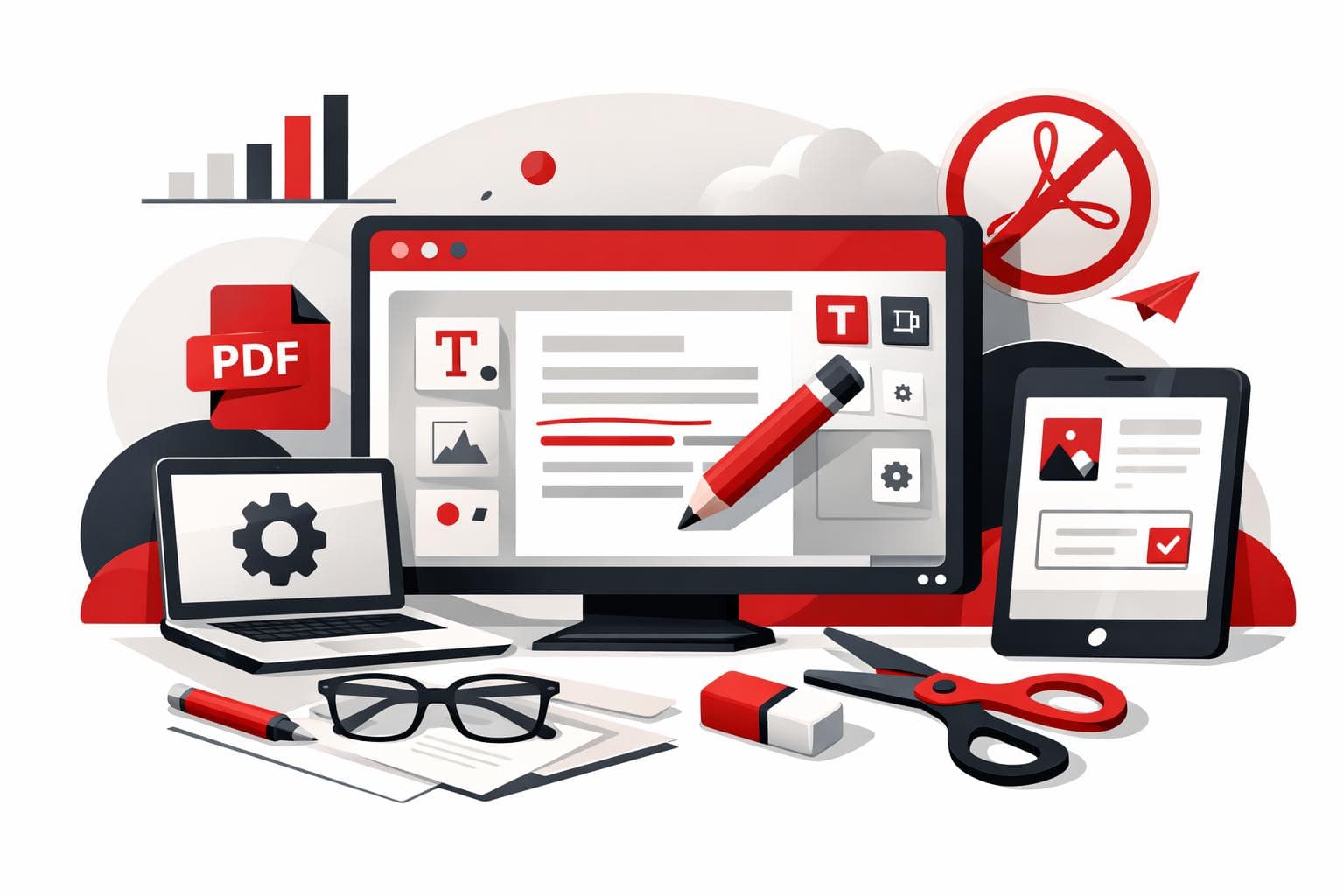
Yes, everyday PDF edits can be done without Adobe Acrobat. iLovePDF handles browser-based text updates, signing, compression, conversion, and page management, making it a practical fit when a full Acrobat workflow is more than the job needs.
Why iLovePDF Fits Everyday PDF Work
Adobe Acrobat remains a powerful professional suite, but many users only need a narrow set of actions, such as correcting a line, combining files, adding a signature, or reducing file size. For that kind of work, a focused online tool can be faster, cheaper, and easier to learn.
The iLovePDF editor runs in the browser and gives users common PDF controls without requiring a software installation. The company also offers mobile and desktop options for people who prefer working outside the browser.
A useful market model is the three-lane split. Full suites handle regulated, complex document operations, task-based web tools solve quick everyday jobs, and local desktop utilities suit files that should not leave a device. iLovePDF sits mainly in the task-based lane, with extra options for heavier workflows.
What You Can Change in a PDF
Text, layout, and visual elements
For simple corrections, iLovePDF can edit existing PDF text and add new text boxes. That is useful for small updates, such as fixing a name, changing a date, or adding a missing note without rebuilding the whole document.
The editor also supports images, logos, shapes, comments, highlights, and underlines. These tools help when a PDF needs clearer visual structure, light branding, review notes, or emphasis for a presentation.
Conversion and page control
PDF work often becomes format work. iLovePDF includes tools to convert PDF files into Word, PowerPoint, Excel, or JPG formats, and the PDF to Word tool also notes OCR support for scanned pages as a premium option.
For document structure, the broader iLovePDF tool set covers merging, splitting, compressing, rotating, reordering, deleting pages, and converting files back into PDFs. These actions solve the most common document cleanup problems before a file is sent, archived, or uploaded.
Signatures and compression
The Sign PDF tool lets users sign a document themselves or request signatures from others. It supports drawn or uploaded signatures, plus fields such as name, initials, date, text, and company stamp.
Compression is the practical fix for large reports, image-heavy files, and scanned documents that fail upload limits or clog email attachments. The goal is not to redesign the document, but to make the same file easier to send and store.
How the Three Step Workflow Works
The workflow is deliberately simple. Open iLovePDF in the browser, choose the needed tool, upload the file, make the change, and download the finished version.
- Choose the task, such as Edit PDF, Merge PDF, Split PDF, Compress PDF, Convert PDF, or Sign PDF.
- Upload the document from the device or a supported cloud source.
- Finish the edit, process the file, then download or save the result.
Concrete example, a freelancer receives a client proposal with the wrong delivery date, two pages in the wrong order, and no signature block. With iLovePDF, the freelancer can correct the date, reorder the pages, add a signature field, compress the final PDF, and send it back without opening a desktop publishing app.
Security and Document Handling
Online PDF tools require a security check because files are uploaded for processing. According to the company’s security page, iLovePDF uses encryption and automatically deletes processed files within two hours.
The company’s privacy policy also states that uploaded content is deleted within two hours after processing, except for iLoveSign services, where separate retention rules can apply. That exception matters for signed documents, because signature workflows may need longer storage for legal and evidentiary reasons.
The practical takeaway is simple, ordinary school files, marketing drafts, invoices, and non-sensitive admin documents fit this kind of tool well. Highly confidential legal, medical, government, or internal corporate files may require an approved local or enterprise document system instead.
When to Use It and When Not To
Decision rule, use iLovePDF when the job is small, clearly defined, and does not require advanced document governance. If the task is to fix text, add a note, sign a form, compress a file, or rearrange pages, a browser-based tool is usually enough.
Choose a full professional suite or an approved local workflow when the PDF contains sensitive personal data, strict compliance obligations, complex redaction needs, advanced accessibility remediation, or long document approval chains. In those cases, editing power is only part of the requirement, auditability and policy control matter just as much.
For most everyday users, the value is speed. iLovePDF turns PDF editing into a set of specific actions rather than a software project, which is exactly what students, freelancers, and small teams often need.