
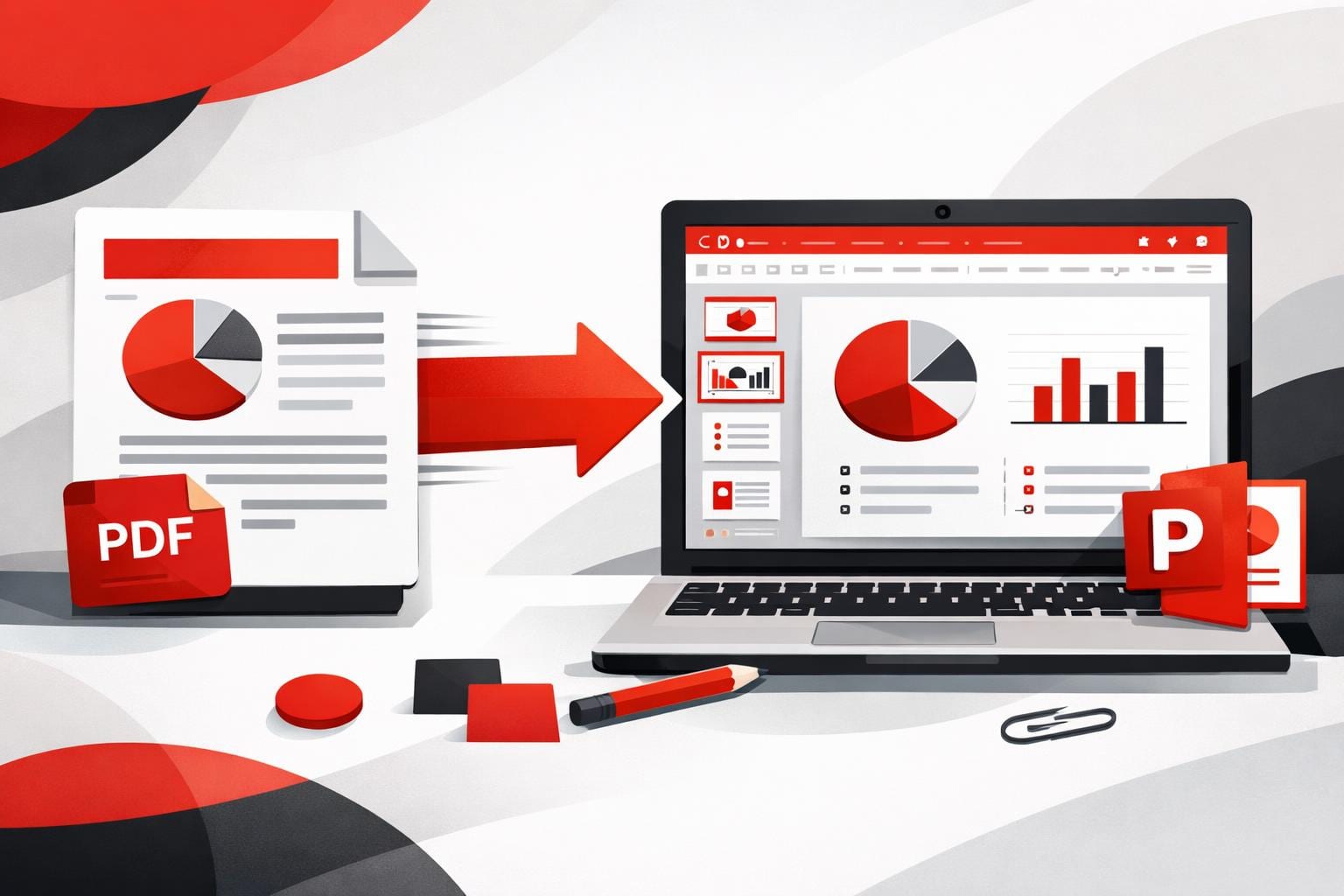
To convert a PDF into an editable PowerPoint deck, upload the file to a PDF to PPTX converter, download the PPTX, then refine it in PowerPoint. This approach pays off when the PDF already resembles slides, because it turns static pages into reusable layouts instead of forcing a rebuild from scratch.
Convert a PDF to PowerPoint in minutes
The basic workflow is straightforward, the converter creates a .pptx file, then PowerPoint becomes the editing surface. The iLovePDF web tool is here: PDF to PowerPoint.
- Upload the PDF: Select a file from the computer, or use drag and drop, cloud options may also appear depending on setup.
- Run the conversion: Start the process, the output format is PPTX.
- Download the deck: Save the PPTX and open it in Microsoft PowerPoint to edit.
Example: A 14 page project update arrives as a PDF on Monday morning, converting it to PPTX can produce a slide per page, then the deck can be tightened by deleting filler pages, rewriting titles, and replacing dense paragraphs with two charts and three bullets per slide.
Edit the converted slides like a normal deck
After conversion, the file opens as a standard PPTX, which means most teams can keep using familiar PowerPoint workflows, themes, master slides, and speaker notes. If the PDF contained real text, that text often becomes editable boxes rather than a flat screenshot.
When the source PDF is a scan, the converter may rely on OCR, which is text recognition that attempts to rebuild words from pixels. OCR can be good enough for editing, but it is more error prone than converting selectable text.
Know upfront if the layout will survive
PDF is a fixed layout format, PowerPoint is a slide canvas, so every converter is doing reconstruction. Results vary, especially on complex documents, so it can be smart to try a second converter when precision matters.
A practical way to predict quality is the S3 rule, which classifies PDFs by three signals:
- Selectable text: If text can be highlighted in a PDF viewer, it is more likely to become editable slide text.
- Simple structure: Clean columns and clear headings convert better than multi layer designs, tables packed with tiny text, or heavy footnotes.
- Stable styling: Standard fonts and straightforward shapes are safer than rare fonts, fancy effects, and intricate vector artwork.
Decision rule: If two of the three S3 signals are weak, plan for a hybrid workflow, convert to get a starting layout, then manually rebuild the most important slides instead of fighting dozens of small formatting glitches.
Choose web, mobile, or desktop based on where the work happens
iLovePDF offers three common routes depending on whether the priority is speed, mobility, or keeping files local. The web route is usually the fastest, the desktop route is the privacy first option, and mobile is for quick turnarounds.
| Option | Best fit | Internet needed | Typical flow |
|---|---|---|---|
| Web converter | Fast one off conversions, email to slides | Yes | Upload PDF, convert, download PPTX |
| Mobile app | On the go edits, quick share to teammates | Usually | Import PDF, convert, open PPTX in PowerPoint |
| Desktop app | Offline processing, stricter data handling | No for conversion tasks | Convert locally, then edit in PowerPoint |
Mobile and desktop entry points: iLovePDF Mobile and iLovePDF Desktop. For lightweight edits without a full desktop install, PowerPoint can also run in a browser, Microsoft describes the starting point here: PowerPoint for the web guide.
Understand retention and encryption before uploading
Any online converter creates a temporary copy of the document during processing, so security posture matters more than marketing claims. According to iLovePDF, files are protected with encryption during handling and are automatically deleted within two hours, and the company highlights GDPR alignment and ISO/IEC 27001:2017 certification. Details are documented on iLovePDF Security & Data Protection.
For sensitive documents such as contracts, customer lists, medical records, or pre earnings material, the safest operational choice is usually local processing, so an offline desktop tool is often the better default even if it takes an extra minute to set up.