
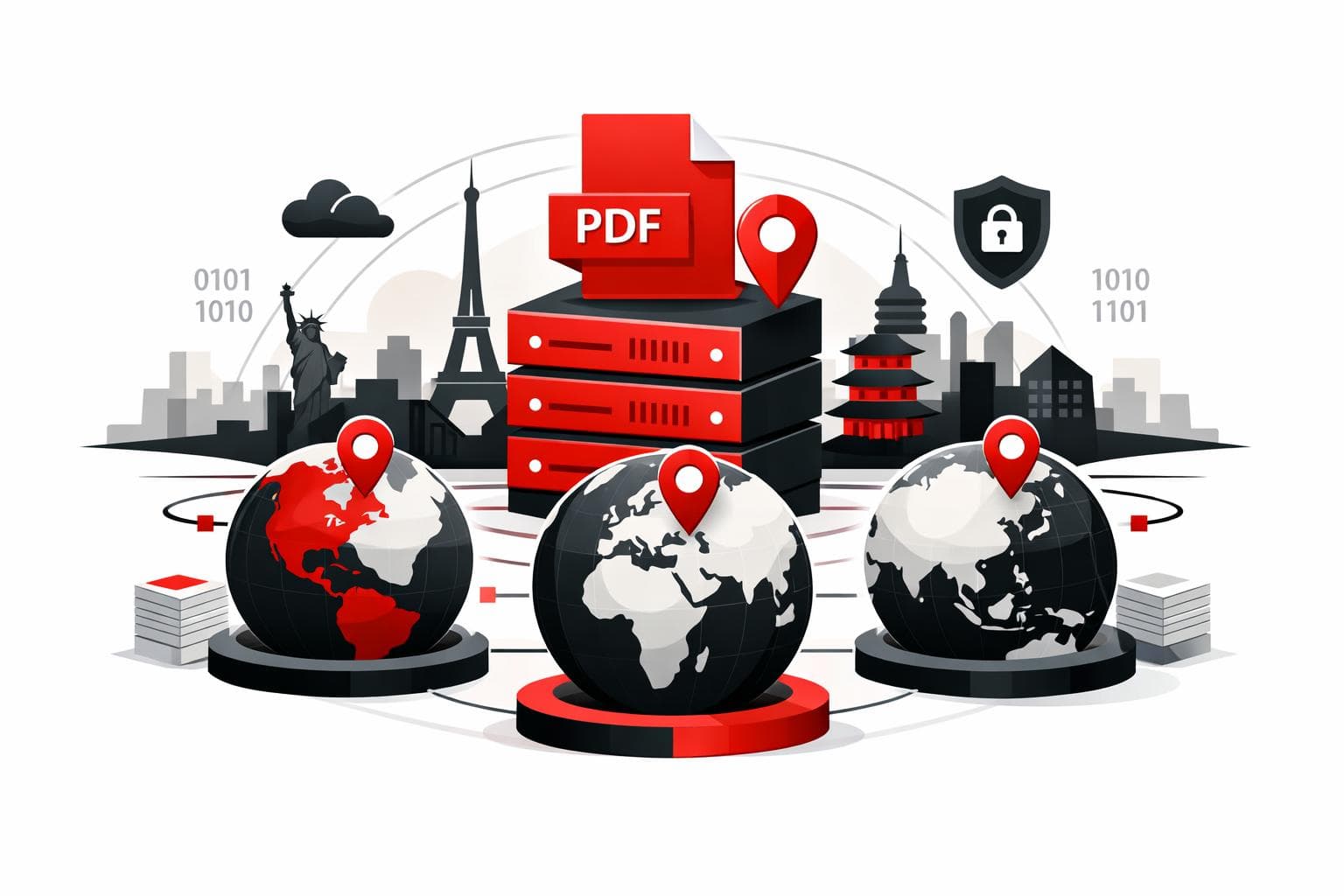
iLovePDF’s Regional File Processing adds a practical control knob, choosing the country or region where PDF jobs run, instead of leaving routing decisions to the vendor. The goal is simpler compliance conversations, faster turnaround for distributed teams, and clearer answers during security reviews. According to iLovePDF, files are automatically deleted within two hours after processing.
The new geography of PDF processing
Online PDF tools used to feel locationless, a file went in, a file came out. In 2026, that illusion breaks quickly once legal teams, customers, or regulators ask where documents are handled.
According to iLovePDF’s product announcement, Regional File Processing is designed to let account holders select the processing jurisdiction directly, which turns a vague vendor answer into a setting that can be documented.
A three factor lens for modern document tools
Location matters because it touches three pressures at the same time.
-
Law, the rules that govern cross border data handling.
-
Latency, the delay added by distance and network hops.
-
Trust, the ability to answer buyer questions without hand waving.
| What stakeholders ask | If the vendor routes globally by default | With a chosen processing region |
|---|---|---|
| Which jurisdiction covers processing? | The answer may depend on routing and sub processor choices at runtime. | A specific region can be selected and referenced in internal controls. |
| Will performance hold under batch workloads? | Long distances can slow uploads, downloads, and repeated API style requests. | Processing closer to the team typically reduces delays and improves responsiveness. |
| Are files retained after the job completes? | Retention policies vary widely and are often buried in help pages. | iLovePDF states files are deleted automatically within two hours, with additional controls described in its security documentation. |
Compliance answers that auditors accept
Data residency is the requirement to keep data inside a defined jurisdiction, usually because contracts, regulations, or internal policy demand it. Regional processing is not a legal shortcut, but it helps align operational reality with policy language.
Why this is showing up in vendor questionnaires
The same set of questions keeps reappearing across industries, where is the document processed, which legal framework applies, and what prevents unnecessary cross border exposure. iLovePDF frames the feature as a way to support obligations tied to frameworks such as GDPR in Europe, PDPL in parts of the Middle East, and APPI in Japan.
Documentation that matters in procurement
Two pages tend to carry the most weight in reviews. The first is security controls, the second is the data processing agreement.
-
Security and data protection, which describes encryption, retention, and certification claims.
-
Data processing agreement, which outlines processor responsibilities and transfer safeguards.
For teams that need proof of a formal security management system, iLovePDF also publishes an ISO/IEC 27001 certificate.
Where speed gains actually come from
Compliance is often the headline, but distance is the quiet tax. Every upload, conversion step, and download is sensitive to round trip time, and high volume workflows amplify small delays.
A concrete example from a legal workflow
iLovePDF describes a legal operations team in Mumbai processing around 300 contracts per week, with typical files in the 12 MB to 20 MB range. When jobs are routed through a far away region, the experience becomes less responsive, especially during batch operations.
Even modest latency improvements, such as 40 ms to 100 ms per request, can add up across hundreds of documents and multiple steps per document.
Workloads that feel the difference most
-
Merging and splitting large sets of PDFs.
-
Compression runs on heavy reports and image rich files.
-
Archival conversions, especially when converting to PDF/A.
-
OCR on scanned documents, which is compute intensive and sensitive to throughput limits.
For OCR heavy environments, an explainer like iLovePDF’s OCR overview helps set expectations, OCR adds a text layer by analyzing page images, which naturally costs more time than basic reorganizing or merging.
What buyers want to hear in procurement
Regional selection is ultimately a transparency feature. It replaces a hand waved “it depends” with a selectable setting and a short, repeatable story security teams can validate.
What iLovePDF says happens to files
According to iLovePDF, documents are not stored permanently, and files processed on the platform are deleted automatically within two hours. The security page also mentions an option to manually delete files from the download screen. Details are described in the company’s security documentation.
One nuance matters for e signature workflows. The same security documentation states that signed documents can be retained for up to five years to meet legal requirements, which is a different lifecycle from standard conversion jobs.
Redaction still matters before anything crosses a border
Regional processing reduces cross border exposure, but it does not reduce the sensitivity of what is inside the document. When sharing outside the organization, the safest move is often removing sensitive fields first with true redaction, not visual covering. A walkthrough is available in iLovePDF’s redaction guide.
Which teams benefit most
Regional processing is most valuable where document handling is frequent, regulated, or externally scrutinized.
-
Legal and compliance, contracts, NDAs, HR files, and regulated records often come with residency requirements.
-
Finance, invoices, audits, and statements attract tighter controls and formal vendor reviews.
-
Multinational teams, distributed offices benefit when each site runs jobs in a nearby region under an approved jurisdiction.
-
Security focused professionals, even occasional processing becomes easier to justify when location and retention are clear.
How to choose the right region fast
Regional File Processing is set in account profile settings, and iLovePDF notes that workspace owners can influence how teams process files.
A clear decision rule
-
If policy or contract language requires a specific jurisdiction, choose that jurisdiction first, then validate it against the organization’s legal guidance.
-
If there is flexibility, choose the closest region to the highest volume users, then measure time saved on a representative weekly batch.
Workflow coverage and one important exception
iLovePDF positions the setting as applicable across most tools, including merge, compression, Office conversions, split workflows, and e sign processes. The product announcement notes that Smart Split is processed in Europe, even when other tools follow the selected region.
For structured archiving, pairing regional control with PDF/A conversion can tighten governance by design. The conversion tool is available at PDF to PDF/A.
Quick answers for security questionnaires
Does selecting a region keep files stored there?
iLovePDF describes regional selection as a processing location choice, not a storage commitment. The company states that files are deleted automatically within two hours after processing, and that users can manually delete files from the download screen.
Can different teams run different regions?
iLovePDF indicates that regional preferences can apply at the workspace level, which supports different jurisdictions for different offices or business units.
Is security weaker in some regions?
iLovePDF states that regions follow ISO/IEC 27001 aligned practices, and publishes security details and an ISO certificate through its documentation.
Will the speed difference be noticeable?
The impact is largest when the current processing location is far from the team, or when work involves large files, OCR, or repeated batch conversions where small delays compound.